
Mileage tracking and privacy
What does your mileage log say about you?
More than you might think.
Four stops on a regular Tuesday. That’s all it takes to see where you live, who you work for, and when you get home.
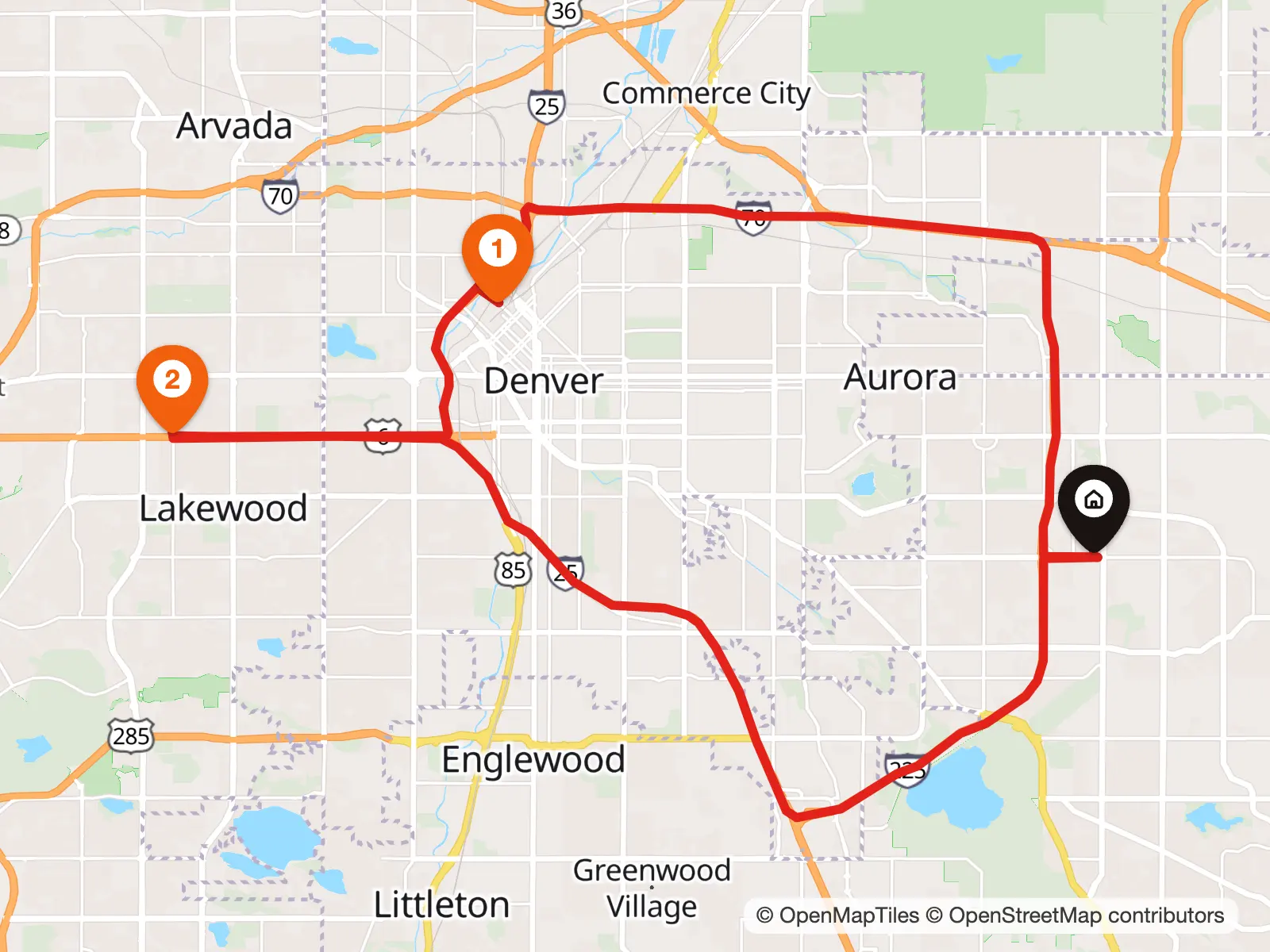
- 7:42 AMHomeLeft
- 8:31 AMClient downtownArrived · 16 mi
- 12:18 PMLunch in Lakewood8 mi
- 6:06 PMHomeArrived · 22 mi
A regular day. Pretty personal.
Your mileage log knows more than how many miles you drive.
- When you leave
- Where you arrive
- How far you drive
- How long you stay
- Which client you visit
- When you get home

Pretty personal, when you look at it that way.
How MoveJack does it
Your trips. Your phone.
Your full trip history stays on your own phone. MoveJack keeps no central copy of your trips on its servers.
You start without an account with us. And you share your trip history only when you choose to, for example by exporting a report.
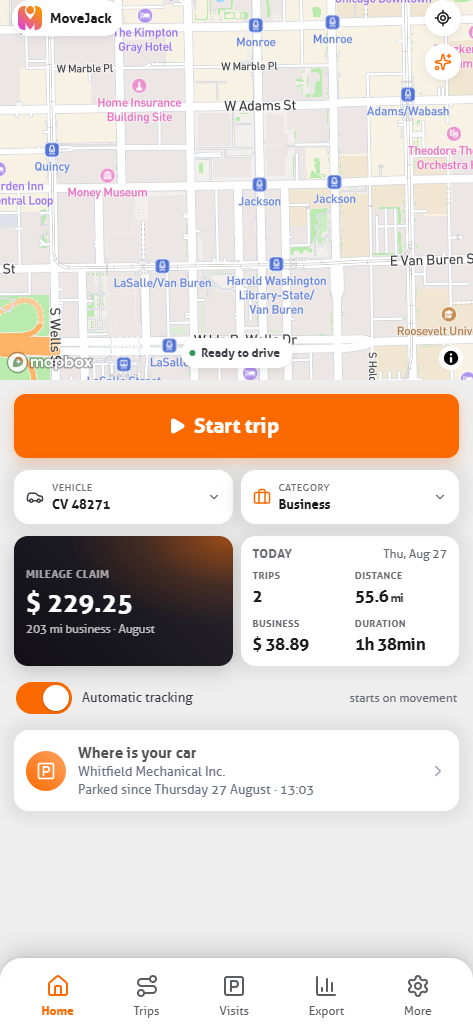
We don’t need to know where you were yesterday.You do.
You need your trips for your books, your deduction, and your report. For that, MoveJack doesn’t need to keep a central copy of your trip history.
Privacy without giving up convenience.
Everything you expect from a good mileage tracker, right on your phone.
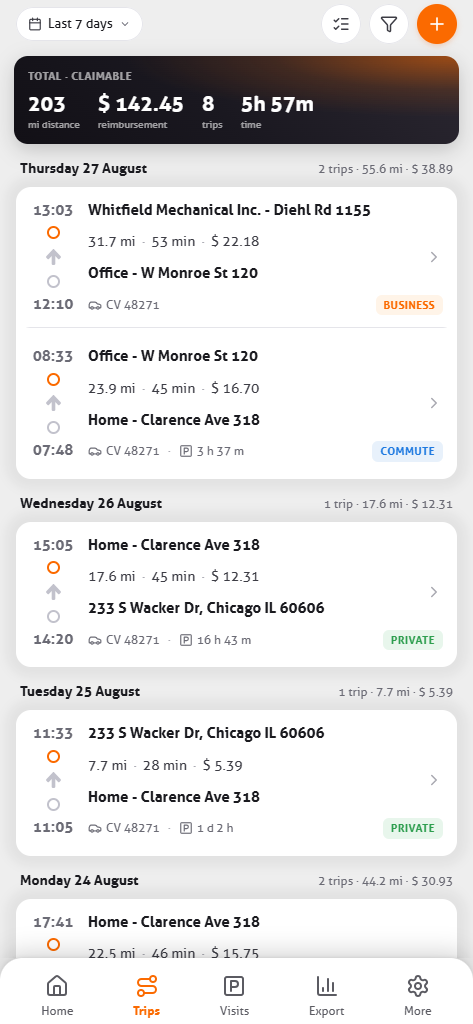
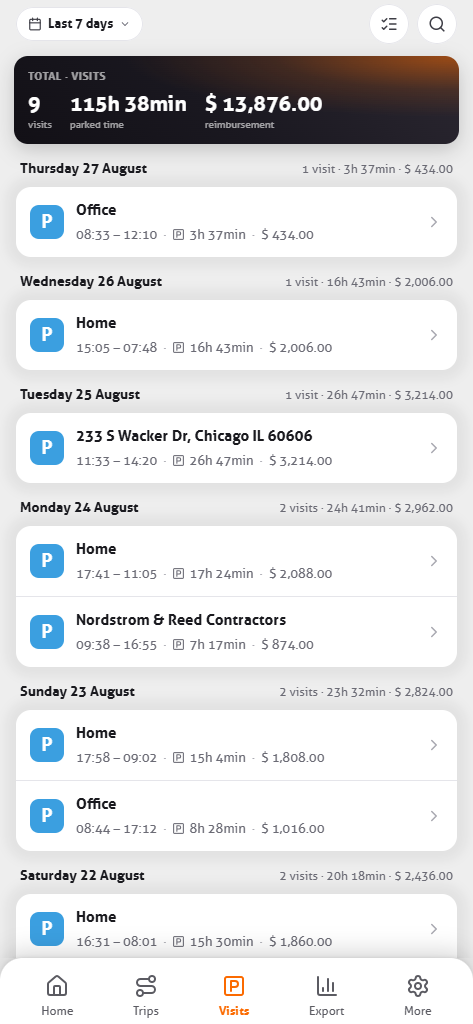
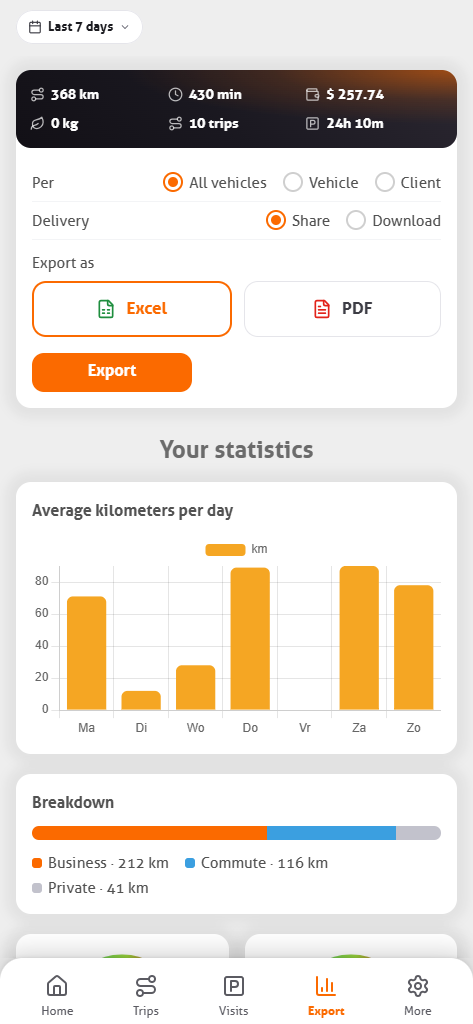
- Logged automaticallyTrips without a start or stop button.
- Miles and amountsPer trip, per period, and per vehicle.
- Visits and hoursYour time on site follows from arrival and departure.
- Business, personal, commuteKept apart using your regular addresses.
- Reports in Excel or PDFBy period, vehicle, or client.
- Multiple vehicles and CO₂Miles and emissions per car.
Mileage and time tracking, in one overview.
- Trip
- Client visit
- Time on site
- Next trip
- Report
The drive to the client, your time there, and the drive on come together per client in one overview. Then it’s paperwork: one report by period, vehicle, or client, in Excel or PDF.
How mileage and time tracking work together → See the reports →
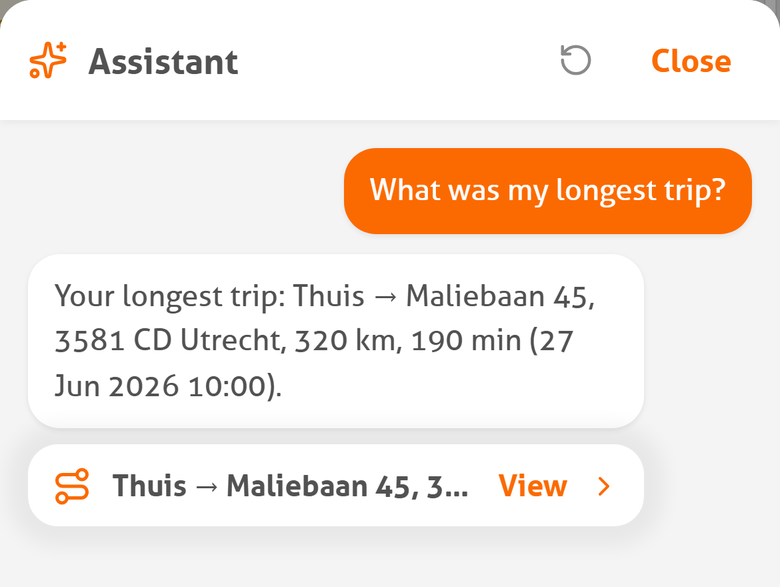
Just ask MoveJack about your trips.
On supported iPhones the AI assistant answers your questions from your own data, with Apple Intelligence on the phone itself.
Try it yourself. Not our story.
- 3 days free
- Every feature
- No device to install
- iPhone and Android
How does MoveJack protect your trip data?
The technical side, short and straight. How that works under the hood.
Where is my full trip history stored?
On your own phone, in the app’s database. MoveJack keeps no central copy of your trips on its servers.
What does MoveJack keep about me centrally?
No trips and no account. During setup the app asks for your first name and email address so a report can reach you in one tap. Both stay on your phone. Your subscription runs through the App Store or Google Play.
What do I share when I export a report?
Exactly that report. It’s built on your phone and sent through the share sheet or by email to whoever you choose. No MoveJack server is involved.
Are my trips in my iCloud or Google backup?
No. You decide where your trips go: the app keeps its trip database out of your phone’s automatic backup and makes one backup file of its own under My data, which you keep where you like and restore on a new phone. The file isn’t encrypted, so keep it somewhere you trust.
Which services does the app work with?
Mainly with map services, for a few handy features. While you drive, MoveJack checks the speed limit where you are about every 8 seconds; it also does this outside a trip, at most once every 8 seconds, while it is processing your location. After the trip it fills in the start and end address and checks whether you traveled by train, tram or bus, and if a speed limit is missing, it checks again when you open the trip and fills it in where it can. When you open the map, MoveJack loads the map data it needs via Mapbox, so the map and search work right away. For all of this the app sends only the positions a feature needs, without your name or an account; your full trip history is never uploaded, and MoveJack keeps no central copy. How that works in detail is on our privacy page.
Does the app track what I do?
No. There’s no analytics or crash reporting in the app.
And the AI assistant?
It uses Apple Intelligence on your iPhone. The assistant answers from the trip data on the phone itself, so your full trip history doesn’t need to go to a MoveJack server or an outside AI service. It needs an iPhone 15 Pro or newer on iOS 26; it isn’t available on Android.