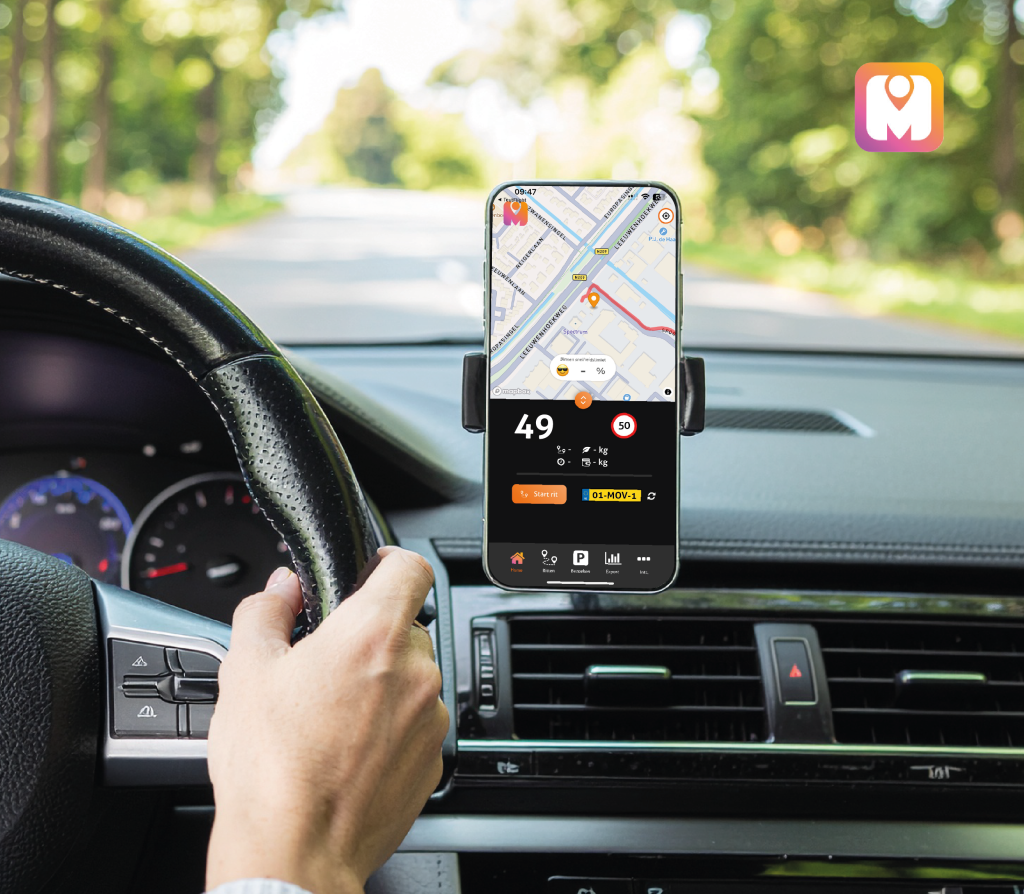
The app · iOS
An app you do not need to open
MoveJack works in the background. You drive, stop, drive on — and at the end of the day the mileage log and the hours are ready. Open the app when you want to look something up or export.

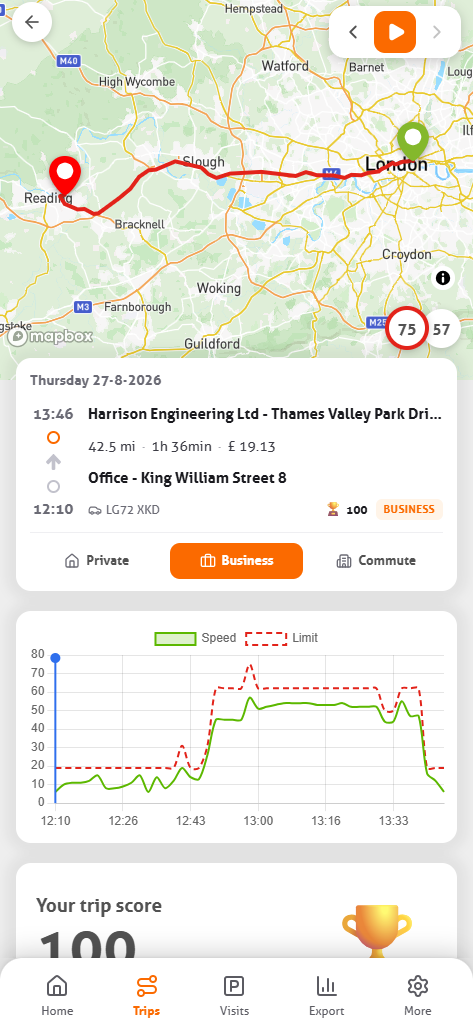
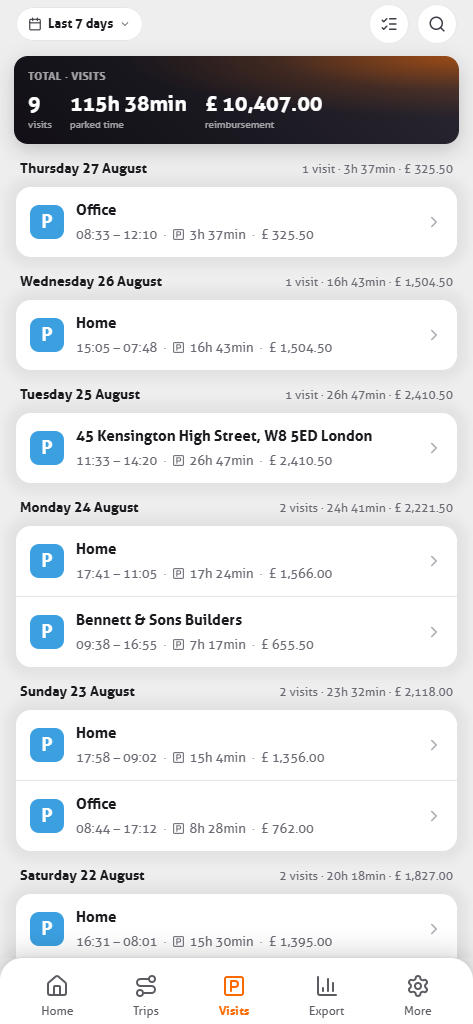
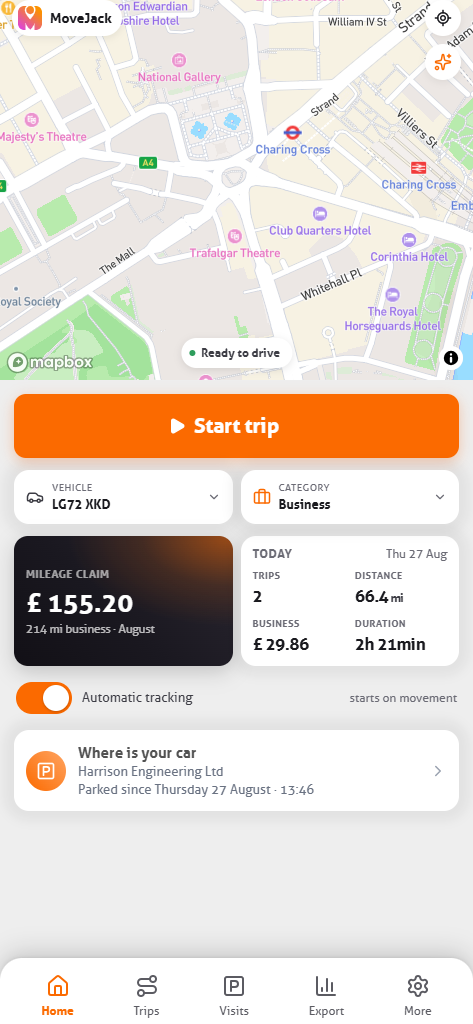
What it looks like on your phone
Four tabs, just like the bottom of the app. Everything sits one gesture deep.

On the road
The app does not need to be open.
Switch MoveJack on in the morning and put your phone away. The app works out for itself when you are driving, when you are parked and when a visit starts. Your trips and visits stay on your own phone.
- 01 Every trip starts and stops on its own
- 02 Private or business based on your fixed addresses
- 03 Easy on your battery, even on long days
On your lock screen
You watch the trip run without opening the app
The moment you set off, the trip appears on your lock screen: the driving time ticks on, the distance counts up and the departure address sits underneath. Use your phone for something else and it stays visible at the top, in the Dynamic Island.
Park somewhere you rarely go and the same card flips into a parking card — the address, how long the car has been there, and a button to walk back to it. On your next trip it flips back.
Live Activities exist on iPhone from iOS 16.2. On other devices the app does exactly the same, just without the card on your lock screen.
 MoveJack
now
MoveJack
now
On the road
From 44 Rowan Street, Leeds
At the end of the trip
MoveJack
12:52
Parked
Weber Ltd · 22 Mill Road · there for 1 h 49 m
Navigate to my car
And when you do open it
There is more in there than a list of trips. This is what you control yourself.
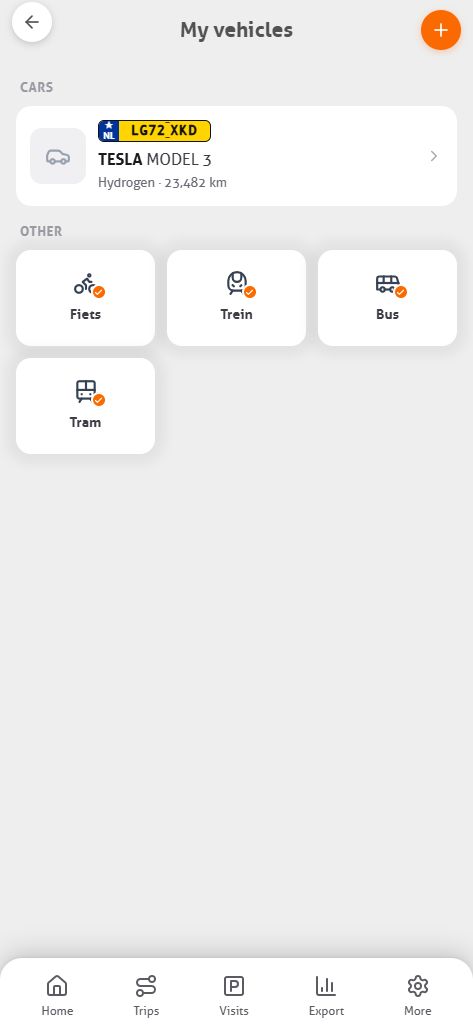
More than one vehicle
Your cars by registration, with the odometer. Bike, train, bus and tram are already there.
The type in one tap
Private, business or commute. With home and work stored, MoveJack sets it itself.
Office hours
Set your working days and times. Outside them the app records nothing, even when you drive.
Default private or business
Decide how a new trip starts. Office hours take precedence.
Client and place names
Name an address once. After that your trip list reads like a diary.
Speed against the limit
Per trip, a chart of your speed next to the limit of that stretch of road.
Adjust it yourself
Add a trip by hand, edit one, or switch the type of several trips at once.
Time on site per visit
Arrival, departure and the time in between. That is your working time per client.
- Face ID or fingerprint
- Notification when a trip starts
- Any period you like
- CO₂ per trip and per period
- Cost at your own rate
- Odometer per vehicle
- Export per client or vehicle
- Automatic recording can be switched off
Small things you only really value after a week
Named locations
Clients, workshops or the builders’ merchant: name them once and your overview reads like a diary.
Merge or split a trip
Filled up on the way? Merge the two halves into one trip — or split a trip when private and business ran together.
Odometer readings
Enter the reading once and the app adds the GPS miles of automatic trips. Note actual readings yourself where they are required.
More than one vehicle
Van, car or a courtesy car: pick the vehicle per trip and keep the reports apart.
Notes per trip
A client name, a project number or the reason for the trip. It travels with the export.
No account needed
You install the app and start: no credentials needed, and no profile on our servers.
Give it a week. Your admin does the rest.
3 days free, no box in the car, no account.